Rose Care
Companion
The pocket reference for dedicated rose growers. Class-aware pruning, feeding and deadheading reminders — because a rambler and a floribunda don't prune on the same calendar.

Rose care built around rose class.
30+ cultivars — or any rose
Browse hybrid tea, floribunda, climber, rambler, shrub, miniature, patio, English (Austin), and heritage roses. Not in the list? Add any rose by name and class — the class still drives its full care schedule, and you can note your own breeder, colour and fragrance, then edit any of it later. All on your device, no internet required.
Per-plant journal & photos
Log blooms, prune cuts, feeding, deadheading, and pest sightings — and attach a photo to any plant or journal entry, straight from your camera or library. Each plant has its own scrollable timeline, thumbnails included, so you never lose track of what happened and when.
Class-aware reminders
Pruning, feeding, deadheading, and watering reminders derive from your plant's class, your climate zone, and whether it's in a pot or in the ground. Not generic calendar alerts.
Pest & disease reference
Cultural → organic → conventional treatment ladders for blackspot, mildew, rust, botrytis, aphids, Japanese beetles, sawfly larvae, and spider mites. Log a sighting in one tap.
Climate-zone aware
USDA zones 3–10 plus Köppen Cfb for NW Europe. Pruning windows shift to match your spring — not a generic Northern Hemisphere average.
Export, import & wipe
One tap exports your entire garden as a JSON file via the iOS share sheet — AirDrop it, email it, save it to Files. Import it back to restore after a reinstall, or wipe everything with one guarded tap. Your data, your choice — Rose Care Companion never uploads it on its own.
What you'll actually see.
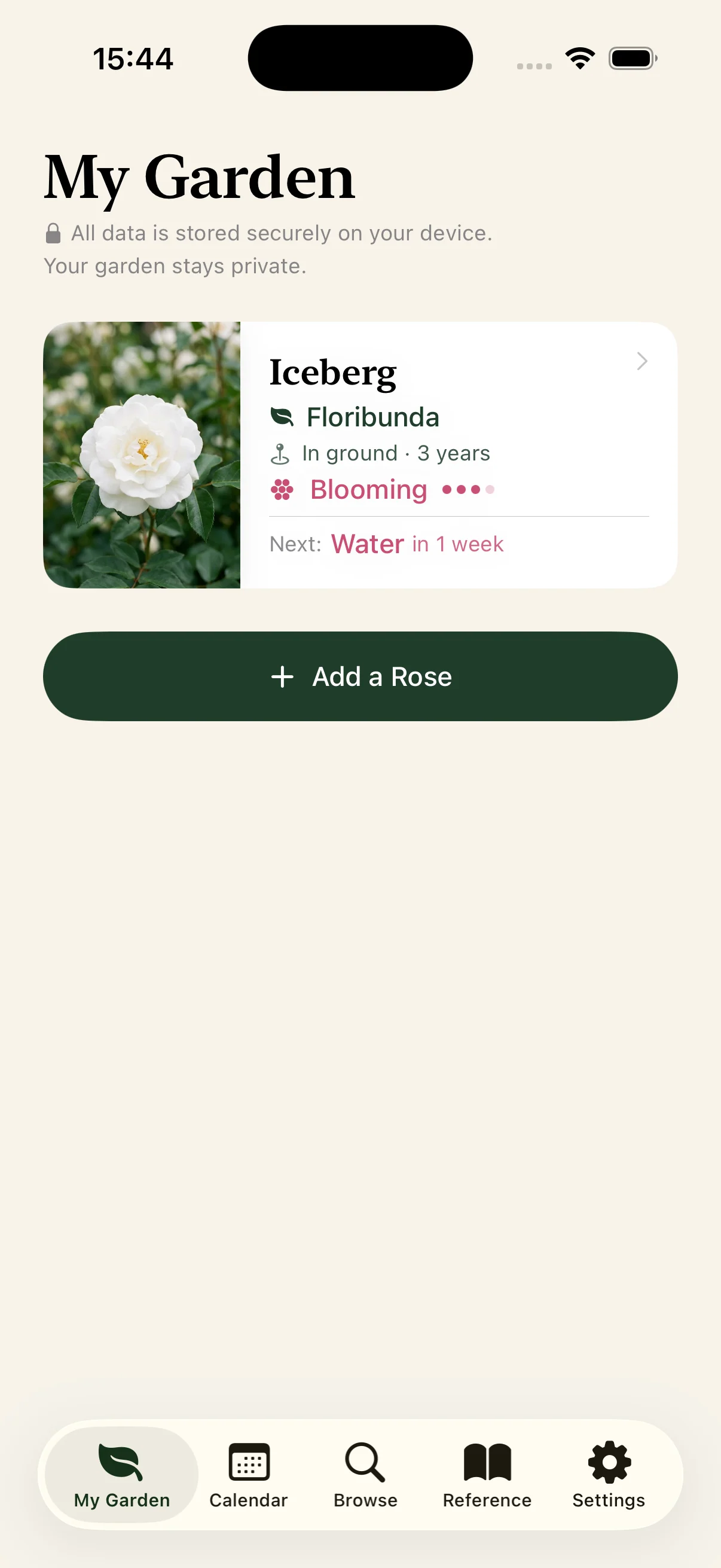
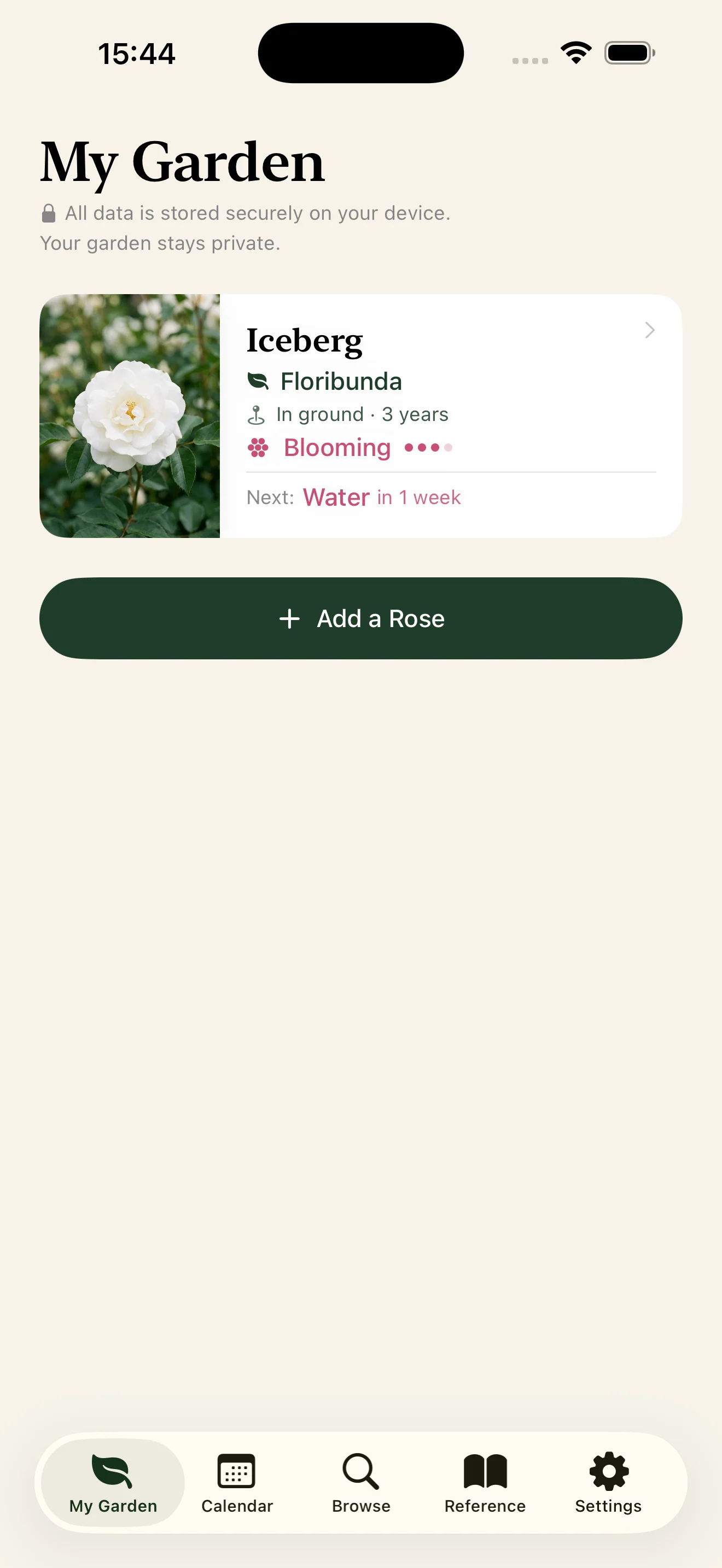
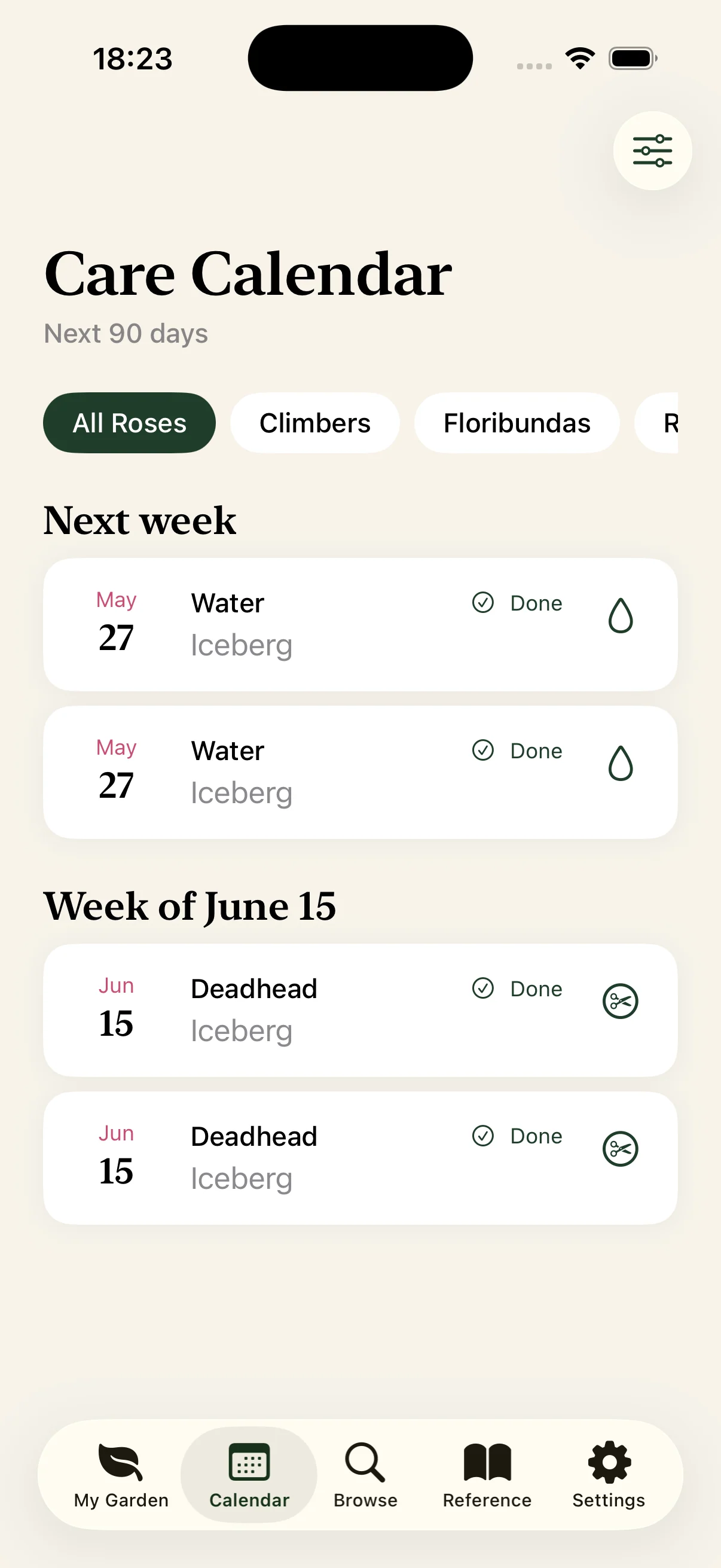
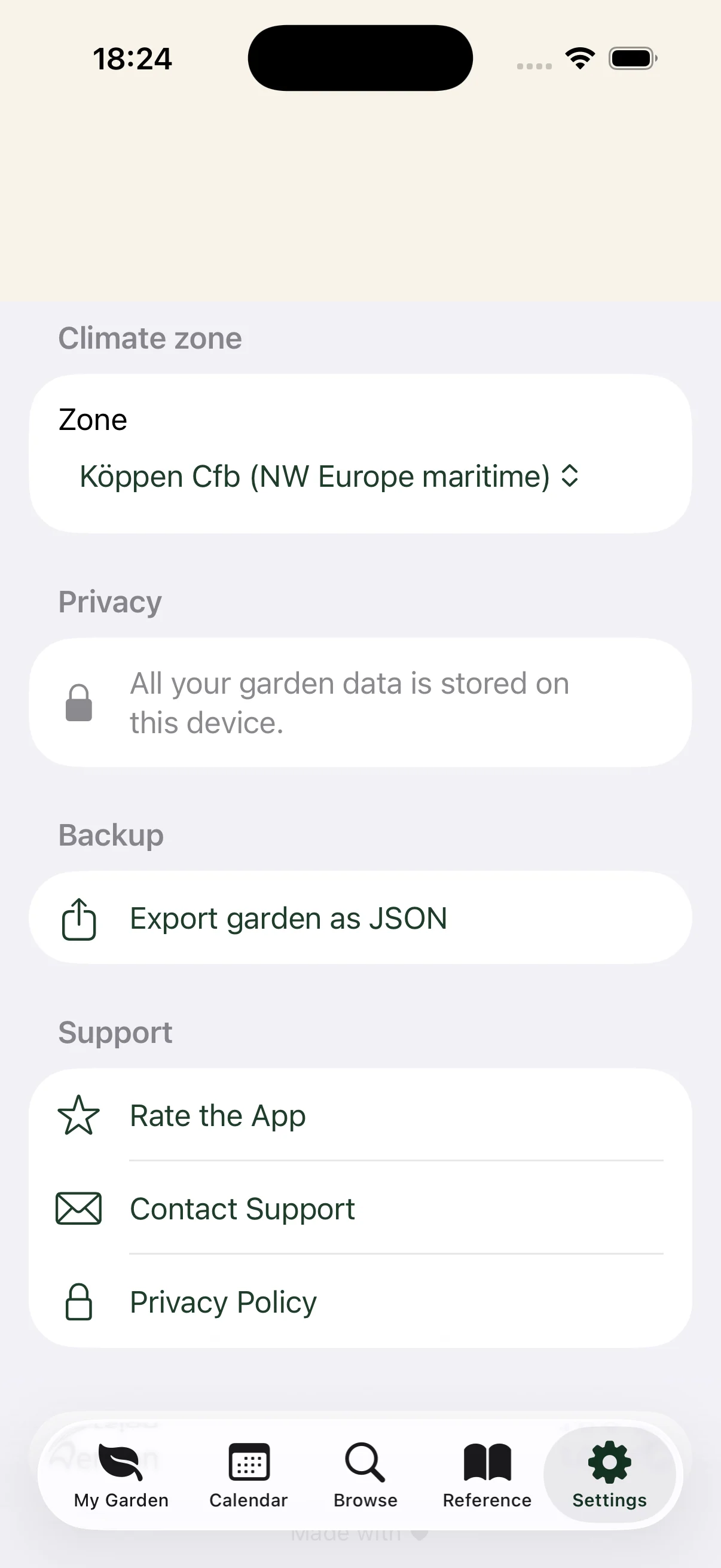
See it in action.
No account.
No servers.
No tracking.
Rose Care Companion collects no data. Nothing leaves your device unless you explicitly export it. There is no telemetry, no crash reporter phoning home, no analytics SDK. Your garden is yours.
Read the full privacy policy →- No account or signup required
- No cloud sync · no backend at all
- No analytics or crash reporters
- No advertising or tracking SDKs
- Local notifications only — no push server
- No subscription, ever
Frequently asked questions
What does Rose Care Companion do?
It is a private rose garden journal for iPhone. You browse 30+ named cultivars, keep a per-plant journal of blooms, prune cuts, feeding, deadheading and pest sightings, and receive class-aware pruning, feeding, deadheading and watering reminders.
Why are its reminders called "class-aware"?
The reminders are derived from your plant's rose class, your climate zone, and whether it is in a pot or in the ground, rather than being generic calendar alerts. That is why a rambler and a floribunda are not pruned on the same calendar.
Does it need an account or an internet connection?
No. Rose Care Companion requires no account or signup and has no backend at all. It works on-device with no internet required, and nothing leaves your device unless you explicitly export it.
Is there a subscription?
No. Rose Care Companion is a one-time purchase with no subscription, ever.
Which devices does it support?
It runs on iPhone and iPad on iOS 17 and later.
Your roses deserve class-aware care.
iPhone & iPad · iOS 17+ · One-time purchase · No subscription

Rose Care
Companion
Dé pocketreferentie voor toegewijde rozenkwekers. Klasse-bewuste snoei-, voed- en uitbloeiherinneringen — want een rambler en een floribunda volgen niet hetzelfde kalenderritme.
Rozenverzorging gebouwd rond rozenklasse.
30+ cultivars — of elke roos
Blader door theehybride, floribunda, klimroos, rambler, struikroos, miniatuur, patio, Engels (Austin) en historische rozen. Niet in de lijst? Voeg elke roos toe op naam en klasse — de klasse bepaalt het volledige verzorgingsschema, en je noteert je eigen kweker, kleur en geur. Alles op je toestel, geen internet nodig.
Plant-per-plant dagboek & foto's
Log bloemen, snoeien, voeden, uitbloeien verwijderen en plagen — en voeg een foto toe aan elke plant, wanneer je wilt, rechtstreeks vanuit het plantdetail. Elke plant heeft zijn eigen scrollbare tijdlijn zodat je altijd weet wat er wanneer is gebeurd.
Klasse-bewuste herinneringen
Snoei-, voed-, uitbloei- en watergeefherinneringen worden afgeleid van de klasse van je plant, je klimaatzone en of de plant in een pot of in volle grond staat.
Plagen & ziekten quick reference
Cultureel → organisch → conventioneel behandelladders voor sterroetdauw, meeldauw, roest, botrytis, bladluis, Japanse kever, bladwesp en spintmijten. Log een waarneming met één tap.
Klimaatzone-bewust
USDA-zones 3–10 plus Köppen Cfb voor NW Europa. Snoeivensters schuiven mee met jouw lente — niet een generiek Noord-Hemisfeer-gemiddelde.
Exporteer, importeer & wis
Één tap exporteert je volledige tuin naar een JSON-bestand via het iOS-deelblad — AirDrop, e-mail, opslaan in Bestanden. Importeer het terug om te herstellen na een herinstallatie, of wis alles met één beveiligde tap. Jouw gegevens, jouw keuze.
Wat je éécht te zien krijgt.
Bekijk de app in actie.
Geen account.
Geen servers.
Geen tracking.
Rose Care Companion verzamelt geen data. Er verlaat niets je toestel tenzij je het zelf exporteert. Geen telemetrie, geen crashrapporteerder die naar huis belt, geen analytics-SDK. Jouw tuin is van jou.
Lees het volledige privacybeleid →- Geen account of registratie vereist
- Geen cloud-sync · geen backend
- Geen analytics of crashrapporteerders
- Geen reclame of tracking-SDK's
- Alleen lokale meldingen — geen push-server
- Geen abonnement, ooit
Jouw rozen verdienen klasse-bewuste verzorging.
iPhone & iPad · iOS 17+ · Eenmalige aankoop · Geen abonnement